
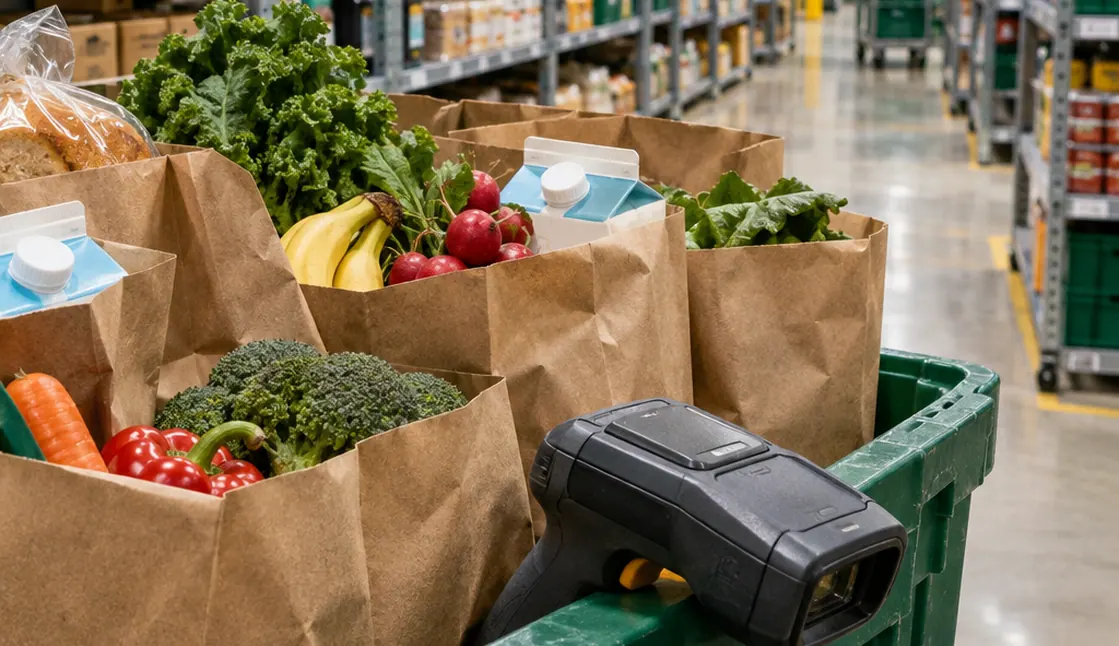
In high-density urban logistics, a one-hour delivery window depends on rapid inventory decisions made inside dark stores and neighborhood supermarkets. When a stockout occurs, algorithmic replacement logic and pre-authorization payment holds determine what enters the bag and how the final receipt settles. Managing these mechanics requires item-level configuration before checkout and structured verification at the door.
What's Inside
- What Actually Happens When Your NYC Grocery Item Is Out of Stock?
- How Fulfillment Algorithms and In-Store Shoppers Pick Replacements
- Payment Holds, Weight Variances, and Substitution Price Caps
- Setting Item-Level Rules and Resolving Discrepancies at the Door
What Actually Happens When Your NYC Grocery Item Is Out of Stock?
When an item is missing from a dark store bin or supermarket shelf in New York City, who decides what goes into your delivery bag and how much you pay for it? Two distinct fulfillment models govern that outcome. Dedicated warehouse fulfillment relies on assigned storage bins and item-level barcode scans, whereas in-store third-party shopping sends a gig worker down retail aisles shared with walk-in customers.
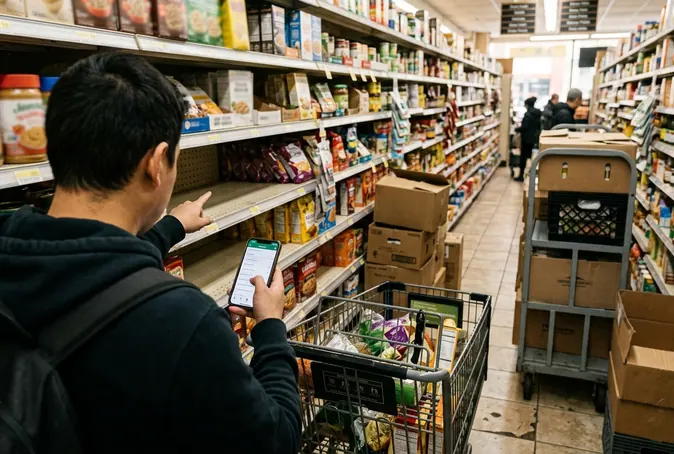
Across both models, three operational rules govern every order:
- Pre-authorization payment buffers: Checkout systems place a temporary hold above the estimated order total to cover higher-priced swaps and variable-weight produce or meat.
- Item-level lockouts: An original item, a named backup, and a refund instruction represent three distinct operational commands. Confirm which instruction is saved for each sensitive item rather than relying on a single cart-wide default.
- Self-service dispute routing: Automated reporting portals process claims for missing, incorrect, or spoiled goods directly from the digital receipt without requiring live customer service chats.
Financial records move through three separate stages during an order. The checkout estimate, the pending card authorization, and the final digital receipt are distinct records. Always compare the final digital receipt against the physical bags at your door rather than treating a pending bank transaction as the settled bill.
How Fulfillment Algorithms and In-Store Shoppers Pick Replacements
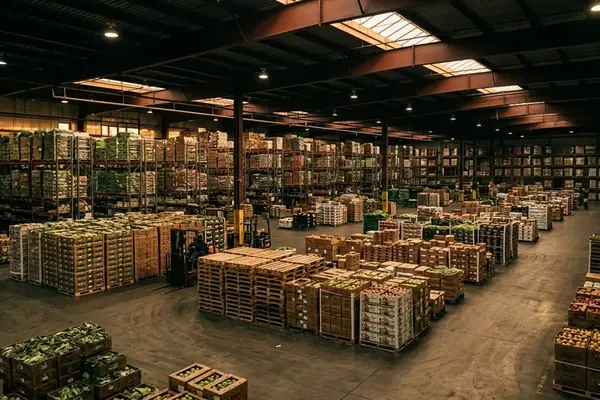
Stockout friction differs sharply between a neighborhood grocery aisle and a dedicated micro-fulfillment center. In a traditional NYC supermarket, walk-in shoppers actively deplete shelves between the moment you submit an order and the moment a picker reaches the aisle. A dark store eliminates walk-in depletion through controlled warehouse inventory, though a recorded unit can still turn up damaged, misplaced, or absent from its assigned bin.
| Operational Factor | Dedicated Dark Store | In-Store Supermarket Picking |
|---|---|---|
| Inventory Depletion | Controlled bin locations; losses stem from misplacement or damage. | Real-time walk-in customer traffic depletes shelves before picking starts. |
| Verification Method | Mandatory barcode scan at the assigned storage bin. | Shelf scan by a third-party worker navigating retail displays. |
| Fallback Execution | Handheld terminal prompts pre-ranked warehouse alternatives or triggers an instant refund. | App suggests retail replacements ranked by brand parity, size, dietary tags, and price tier. |
Once a worker logs an item as unavailable, the replacement process begins: the handheld terminal records the unavailable-item entry, checks your replacement instruction, prompts a selected package, logs the actual price, and generates the line item for a receipt-level dispute if the swap fails.
When no specific backup is saved, the picking software suggests replacements ranked by brand parity, package size, dietary tags, and price tier. Workers operate under active pick-rate timers. If a shopper leaves substitution settings open to algorithmic defaults, the picker will typically accept the handheld device's top prompt or issue an immediate refund to keep moving through the queue.
Package Scaling and Certification Gaps
Algorithmic matching frequently misses unit volume and strict dietary boundaries. A 16-ounce container and a 32-ounce container may share a brand name and flavor profile while doubling the quantity and raising the total line cost. Inspect both the package size and the extended replacement price when reviewing live notifications.
Dietary tags in retail databases also require manual scrutiny. For kosher or halal requirements, name the exact required certification or specific acceptable product in your item instructions. A matching meat cut or a clean ingredient list does not establish religious certification during a fast-paced aisle swap.
Payment Holds, Weight Variances, and Substitution Price Caps
Evaluating a delivery overcharge requires separating bank authorization from final settlement. At checkout, platforms request a temporary payment hold above the initial cart total to create a buffer for variable-weight goods and higher-priced substitutions. During fulfillment, actual scale weights and accepted replacements alter the merchandise subtotal, and the final digital receipt records the settled charge.
Billing policies for upgraded replacements vary across NYC delivery operators. Some warehouse fulfillment services honor the original item price when an internal inventory discrepancy forces an upgrade, whereas marketplace apps generally pass the retail price difference of the swapped item directly to the buyer. Read the platform's replacement-pricing policy directly rather than inferring it from the temporary checkout hold. Replacing a $4 item with a $6 item adds $2 to the merchandise subtotal whenever the disclosed policy passes through the replacement price.
Notice that an overall authorization ceiling is an order-level buffer, whereas an item-level substitution price cap restricts how much more a single replacement can cost. Inspect any maximum replacement price setting separately from the total amount reserved on your payment method.
Weight-Based Pricing and NYC Retail Standards
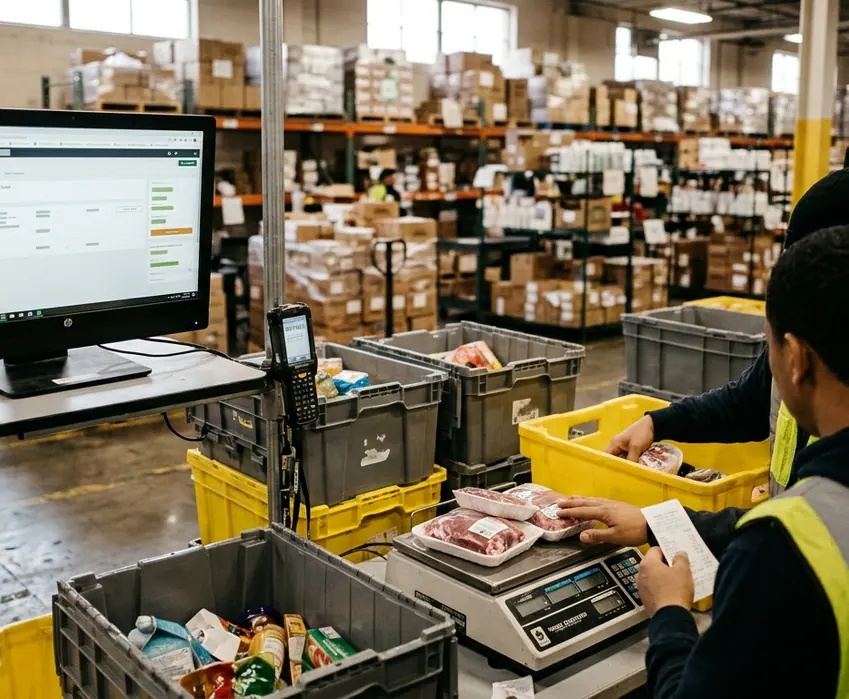
Variable-weight items such as butcher cuts, deli sliced goods, and loose produce shift the final bill without any product substitution occurring. Meat listed at $8 per pound costs $10 for a 1.25-pound package and $12 for a 1.50-pound package, before separately disclosed taxes or service fees.
In NYC, retail accuracy is governed by strict municipal standards. Under NYC Department of Consumer and Worker Protection retail pricing rules, merchants must disclose accurate pricing per unit and weight. If you suspect a weight discrepancy on a delivered package, retain both the physical package's adhered weight label and the digital receipt line showing the price per pound, billed weight, and extended price. Those two records distinguish a legitimately heavier package from an incorrect unit price charge.
Setting Item-Level Rules and Resolving Discrepancies at the Door
Configuring a cart by the operational consequence of a wrong swap prevents most kitchen-counter surprises. Divide your grocery list into three control tiers before submitting the order:
- Lock in "Refund Only" for zero-tolerance items: Apply this to baby formula, allergen-sensitive goods, and strict recipe foundations whose chemical composition matters.
- Assign a named backup for daily staples: Configure milk, eggs, and bread with a specific secondary product. For a milk backup, specify the attributes that govern household use: dairy or plant-based, fat level, flavor, and container size. Selecting an exact product name is far more actionable for a picker than a vague note requesting "similar milk."
- Reserve "Best Match" for low-consequence supplies: Leave algorithmic suggestions open only for generic paper goods or cleaning supplies, and only after locking in essential attributes such as unscented detergent.
The Post-Delivery Audit Workflow
When the bags cross your threshold, audit the delivery before the platform's automated reporting window closes. Follow this exact sequence:
- Review substitution lines on the final digital receipt: Identify which items were swapped or adjusted for weight during the pick.
- Verify physical product and quantity: Check the delivered containers against the billed receipt lines.
- Inspect package condition and temperature: Confirm seals and freshness, then put refrigerated and frozen groceries away promptly rather than leaving the entire order on the counter while filing a claim.
- Submit line-item disputes: Open the self-service portal, select the affected receipt line, and report the exact discrepancy. Take a clear photograph of the package barcode and label to support identification, as dispute portals rely on visual uploads or manual selection rather than live barcode scanning.
Keep refund approval, platform account credit, and original-card refund distinct when reviewing the outcome. Check the resolution screen for the exact payout destination and dollar amount.
At 7:15 PM on a Tuesday in a walk-up kitchen, you set two cold delivery bags on the counter and open the final digital receipt on your phone. The receipt shows a 16-ounce box of salted butter billed in place of the unsalted sticks you locked for baking, while the chicken thighs weighed in a quarter-pound heavier than the checkout estimate. You slide the chicken and milk straight into the refrigerator, snap a clear photo of the salted butter label next to its barcode, and tap the line item in the app's self-service portal to route the refund back to your card instead of store credit. The approval banner pops up immediately on the screen, leaving you with the usable salted butter put away and a clear record of the kitchen-counter approval versus checking-account release gap while your bank takes a few business days to drop the initial debit hold.